Main Changes for Teachers:

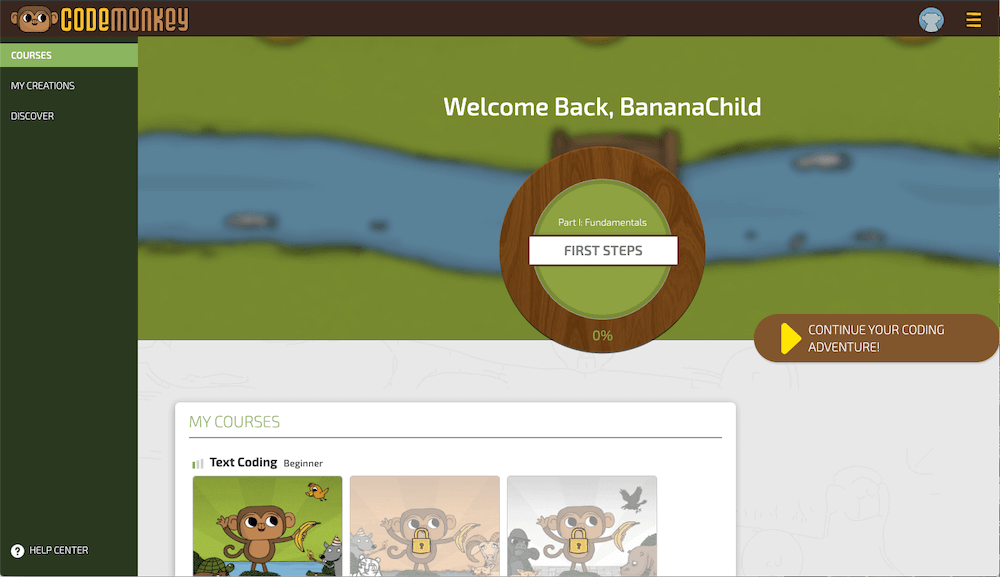
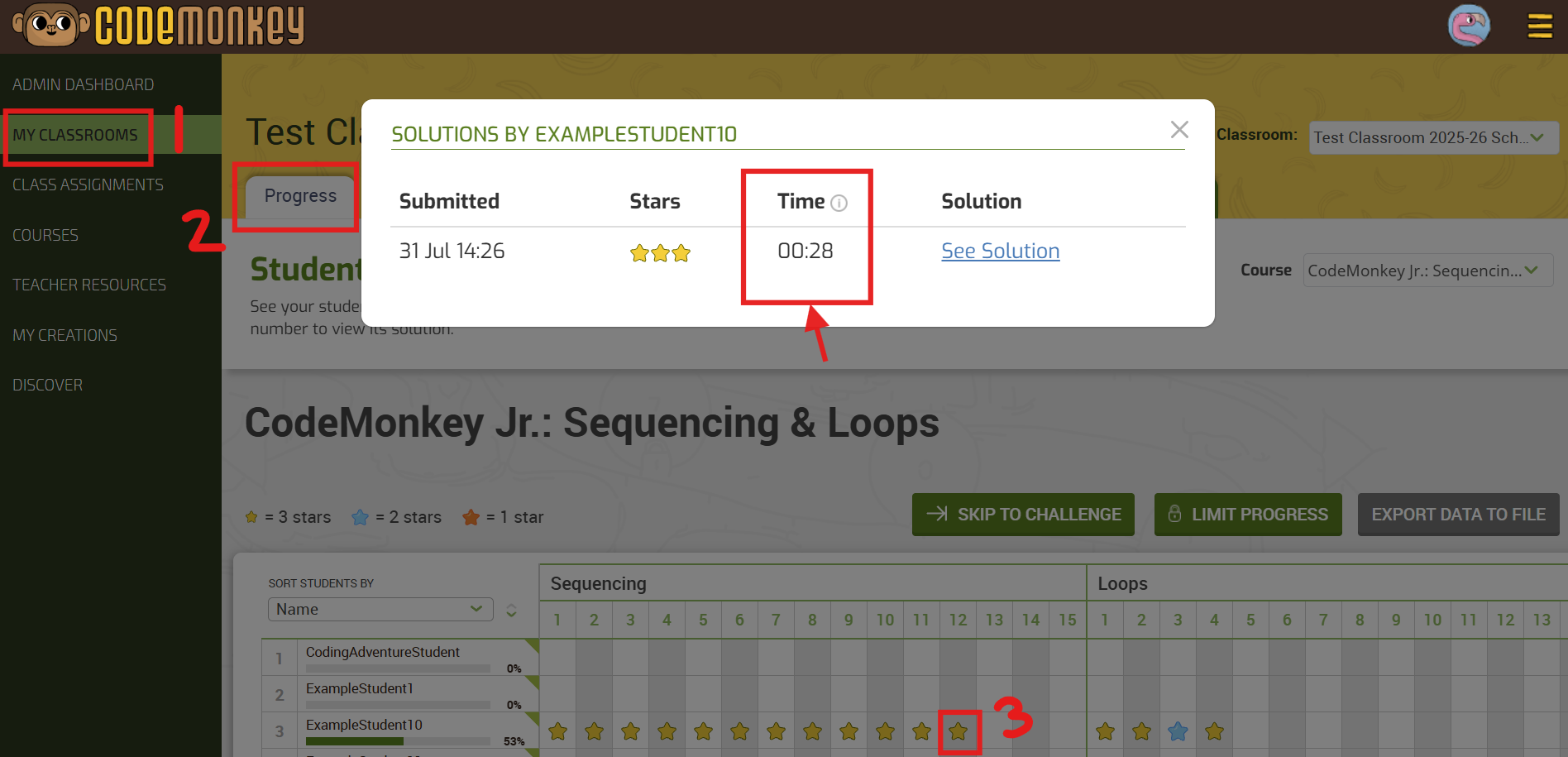
All your classrooms will be accessible from the “ My Classrooms ” Page (first item in the menu). There you will be able to navigate to any of your classrooms. To play CodeMonkey’s courses, similar to how your students play them, go to the “ Courses ” item in the sidebar menu. “ Teacher Resources ”, previously available from your homepage, will now have a dedicated page and is divided into different categories. To see the games and challenges you created, go to “ My Creations ”. The same applies to your students. Lastly, to access CodeMonkey’s community creation page, see the last menu item called “ Discover ”.
Main Changes for Parents, Students and Children: