You can now assign quizzes directly to individual students! This offers teachers an effective way to differentiate instruction in their classrooms. It is also great if a single student needs to retake a quiz.
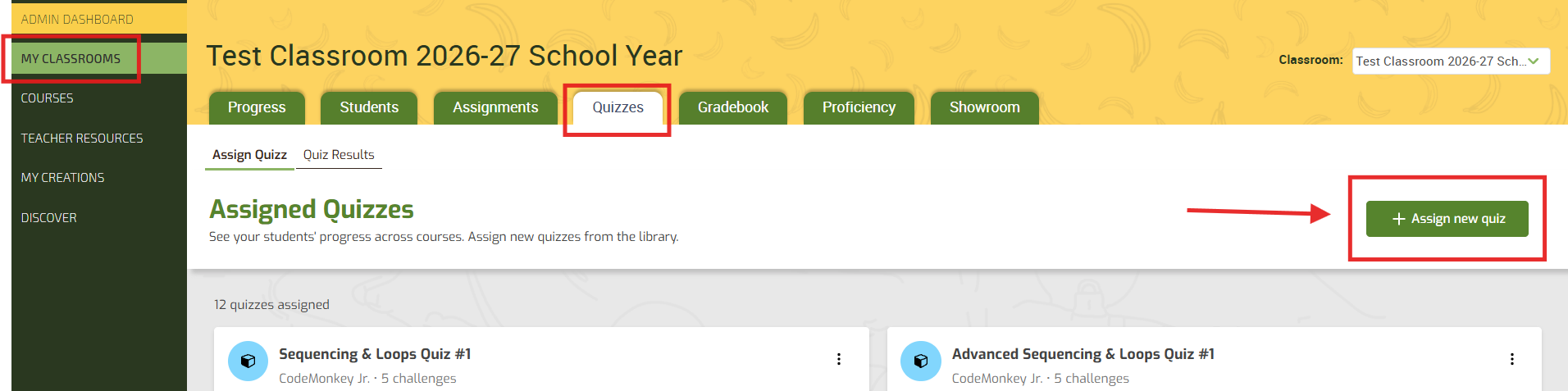
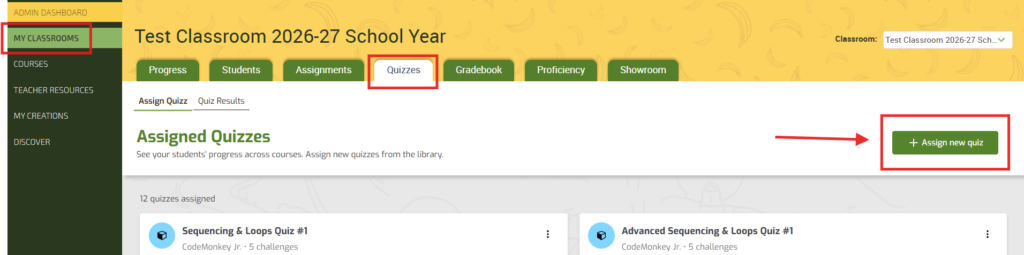
1️⃣ Go to your My Classrooms tab.
2️⃣ Click on the desired CodeMonkey Classroom.
3️⃣ In the Quizzes tab, select the green “+ Assign new quiz” button.
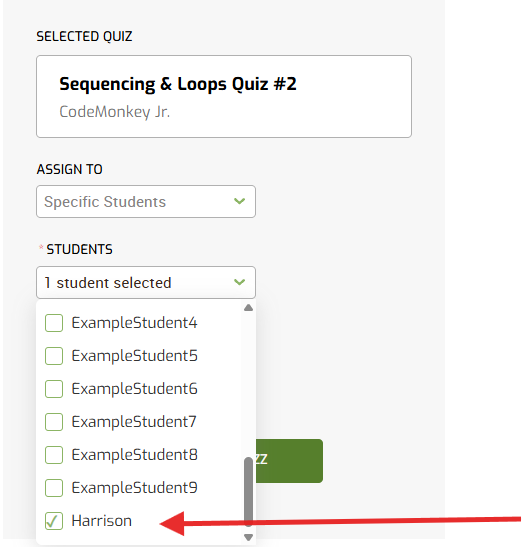
4️⃣ Select the quiz you wish to assign and use the drop-down menu to select specific students within the CodeMonkey Classroom.
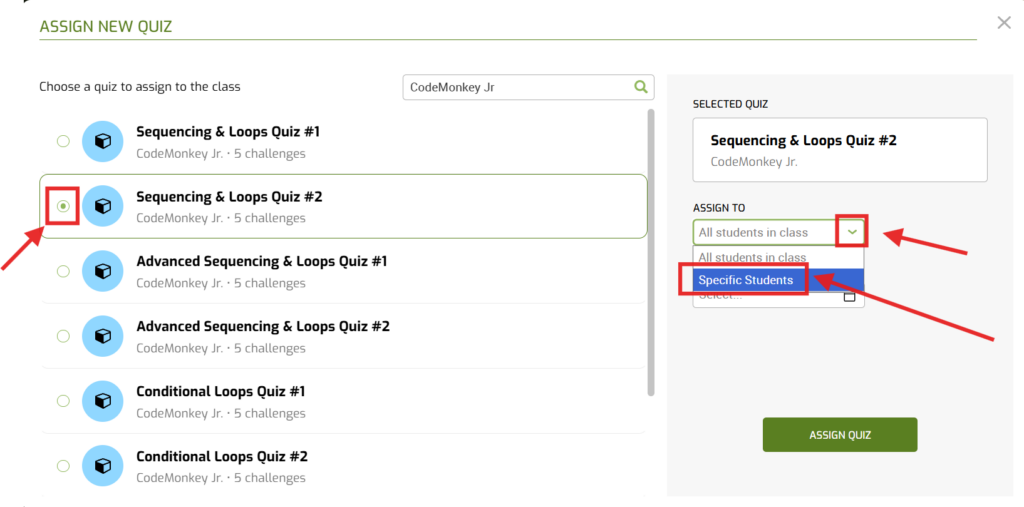
5️⃣ Select which students, a due date if desired, and click “ASSIGN QUIZ”.