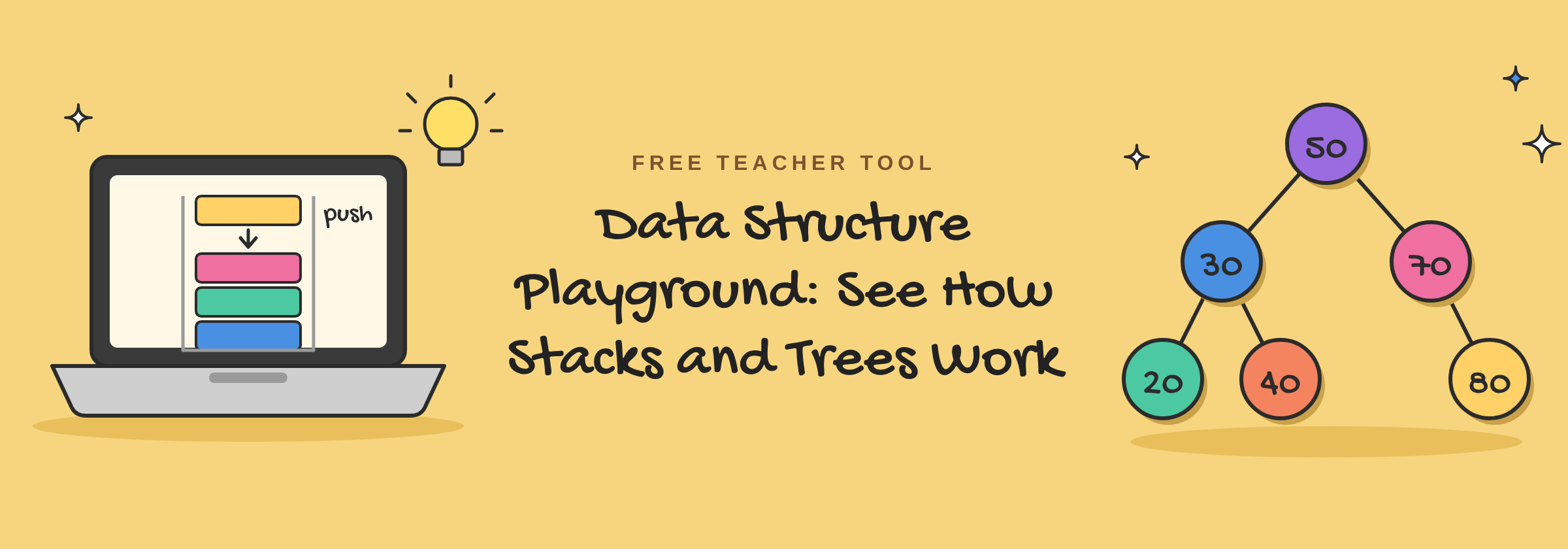
Every computer, phone and game console is built from logic gates. A modern chip holds billiStudents use data structures every day without knowing it. The Undo button is a stack. The line of documents waiting for the printer is a queue. But in class, these ideas usually live on a whiteboard as boxes and arrows, and it’s hard for students to see what actually changes when data goes in or comes out.
los Data Structure Playground shows them, one step at a time. It’s the third tool in our collection of free interactive CS tools. It’s free for you and your students, with no sign-up, no download and no paywall.
What the Data Structure Playground does
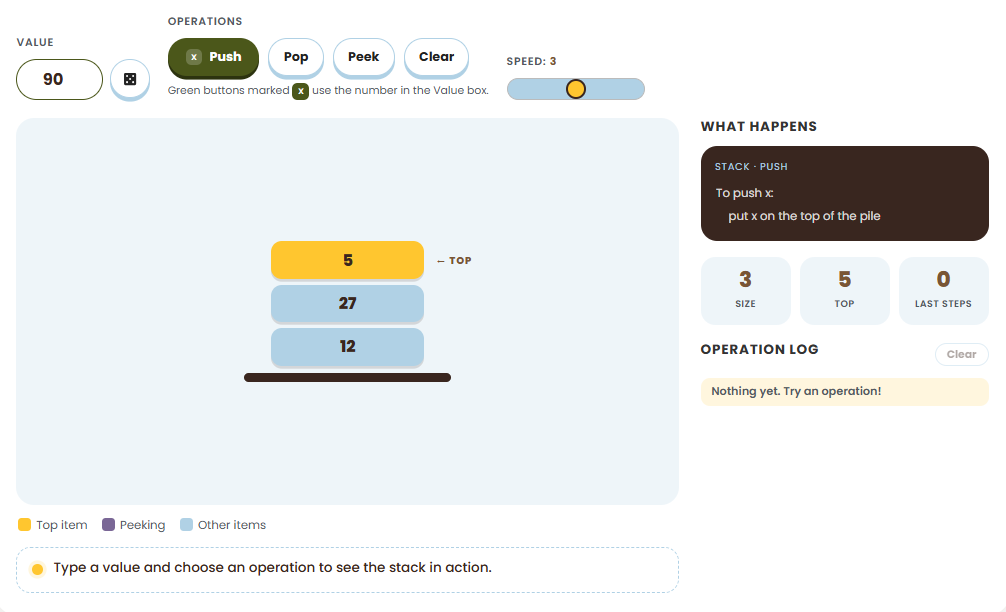
Students pick a data structure, type a value and choose an operation. The playground animates every step, so students see exactly where the data goes.
- Four classic structures. Stacks, queues, linked lists and binary search trees.
- Hands-on operations. Push and pop a stack, enqueue and dequeue a queue, add to the head or tail of a linked list, and insert, search and delete in a tree.
- Tree traversals. Run in-order, pre-order and post-order traversals and watch the tree visit each node in turn.
- Step-by-step view. A “What happens” panel explains each operation as it runs, and an operation log keeps a record of every step. Students can slow the animation down to follow along.
- Real-world connections. Each structure comes with everyday examples. A stack powers the Undo button, a queue lines up documents for the printer, and a binary search tree helps a dictionary app find words fast.
- Fast or slow? A speed table shows which operations are instant and which slow down as the structure grows.
3 ways to use it in class
1. In what order do they come out?
Have students push 1, 2 and 3 onto a stack, then pop three times. Before they click, ask them to predict the order. Then do the same with a queue. Why does the same input come out in a different order?
2. Undo or printer?
Ask the class: why is the Undo button a stack and not a queue? And why do documents wait for the printer in a queue and not a stack? Let students test their answers in the playground before they explain them.
3. Balanced vs. worst case
For older students, switch to binary search trees and press Worst case. Search for 60 and count the comparisons. Then build a balanced tree from the same values and search again. What changed, and why does the shape of the tree matter?
One tool for every level
The Data Structure Playground has two levels, so it works for a first look at stacks and for an AP-level unit on algorithms.
- Easy mode uses plain words and simple speed ratings, like “Instant” or “Slower as the stack grows.” Each operation is explained in everyday language, such as “put x on the top of the pile.”
- Advanced mode adds Python code for each operation, Big-O speeds and extra operations. It’s a good fit for AP CS Principles, AP CS A or an intro to data structures course.
Want students to open a specific level? Add ?level=easy o ?level=advanced to the end of the link before you share it.
The tool runs in any modern browser on Chromebooks, Windows and Mac computers, and iPads and other tablets. Project it for a whole-class demo, or share the link so students can explore on their own devices.
Share it anywhere
You have our permission to share the Data Structure Playground wherever it helps. Post the link on your class page, your school’s resources page or your district’s teacher hub.
More free tools are on the way
The Data Structure Playground is one of four free tools available now. The others are the Sorting Visualizer, the Logic Gate Simulator y Search Race. We’re building more.
Try the Data Structure Playground now, free with no sign-up.