Поиск
Отмеченная наградами программа по кодированию для детей

Конструктор игр CodeMonkey

Students become digital creators

We are so excited to share something we’ve been working on for the past few months – CodeMonkey’s Конструктор игр а также Game Creation courses! 

We know you’ve been wondering ‘what’s next?’, ‘what do I do after my students finished all 200 challenges of CodeMonkey’s coding adventure?’ Well, the Game Builder courses are just the answer.

These two new courses will introduce your students to the world of digital creation: how to make a Platform game (like the classic Super Mario games) and how make a Frogger game (why did the frog cross the road? To learn coding!).
These two courses combine everything you know and love about CodeMonkey with some cool new features and most importantly – more coding education!
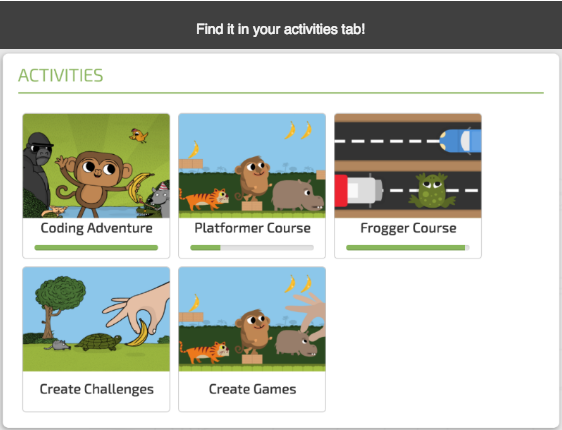

Screen Shot 2017-03-15 at 4.35.38 PM

Попробуйте CodeMonkey дома или в школе!

бесплатная пробная версия

или же

для вашей школы / района

Больше для изучения:

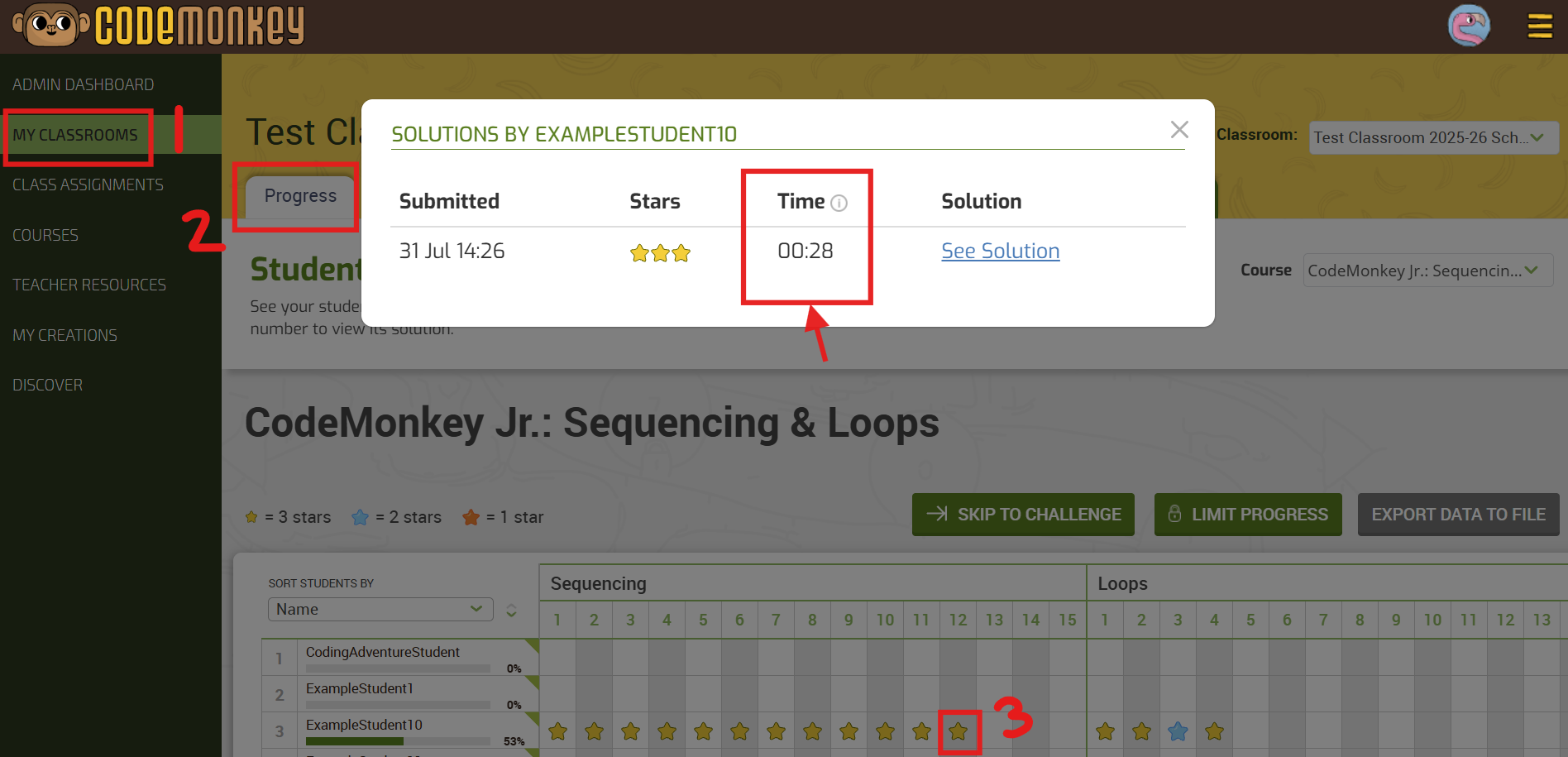
skip to challenge

Skip to Challenge feature

Advance all of your students in a CodeMonkey Classroom at once with one click. 1️⃣ Go to your My Classrooms tab 2️⃣

Individual Assignments (Teacher Feature)

Individual Assignments

We are thrilled to share a small but mighty update: New Feature – Individual Assignments (Teacher Feature) – This feature gives teachers more

Оглавление

CodeMonkey’s Game Builder: 2 комментария

Добавить комментарий

Ваш адрес email не будет опубликован. Обязательные поля помечены *

This site uses Akismet to reduce spam. Learn how your comment data is processed.

Подпишитесь на блог CodeMonkey

Будьте в курсе последних новостей
И УЗНАЙТЕ БОЛЬШЕ О КОДИРОВКЕ ДЛЯ ДЕТЕЙ.